Event Guest List
As an event host or cohost, you can view and download the list of guests attending your event.
Step 1: Navigate to the Event Management Page
- Go to the My Events page.
- Click the Manage button next to your event.
- You’ll be redirected to the Event Management page.
Step 2: Access the Guest List
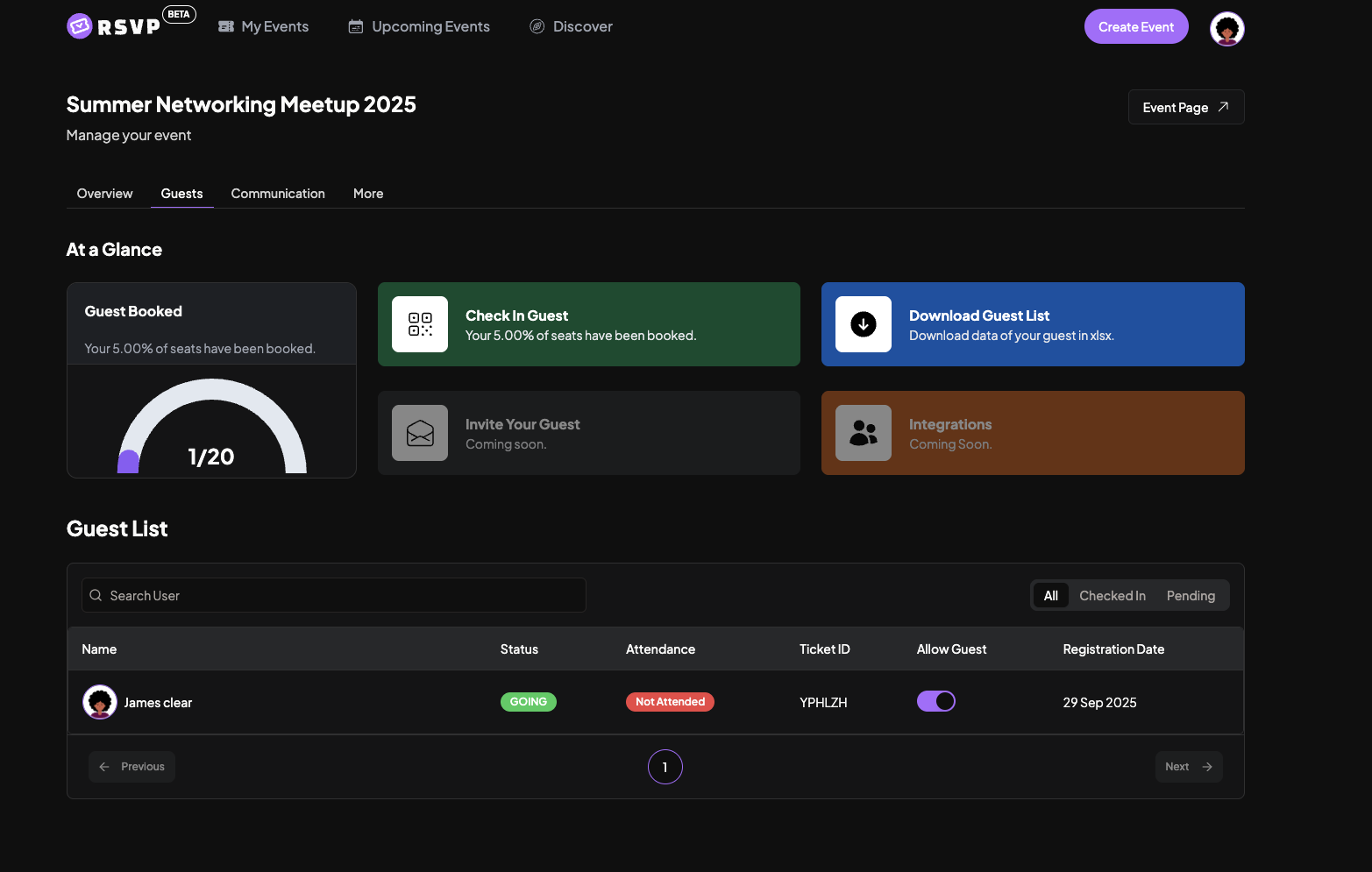
- Open the Guests tab on the Event Management page.
- You can view the complete guest list displayed in a table.
- To download the guest list, click Download Guest List as Sheet.
Tip
Use the guest list to keep track of attendees, manage RSVPs, and communicate easily with your participants.